Max Server: Wi-Fi File Share
📱 Overview
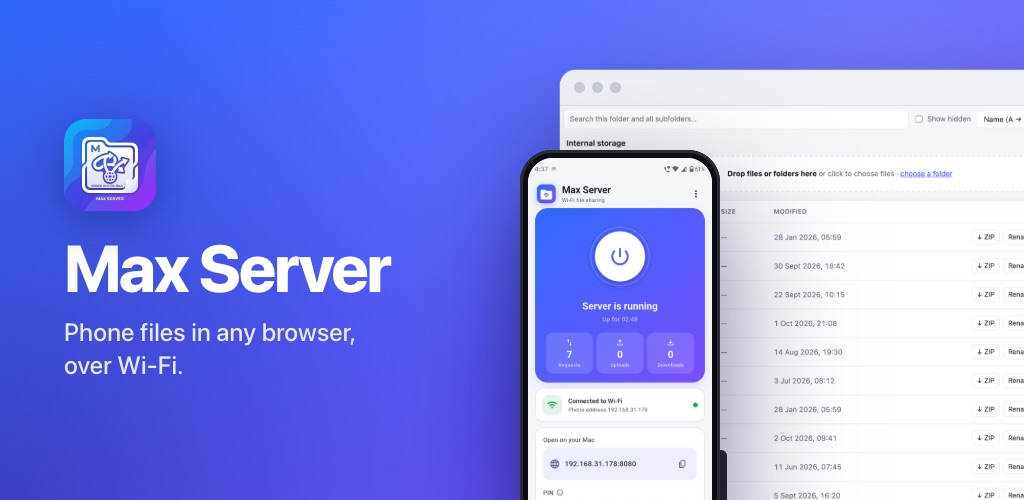
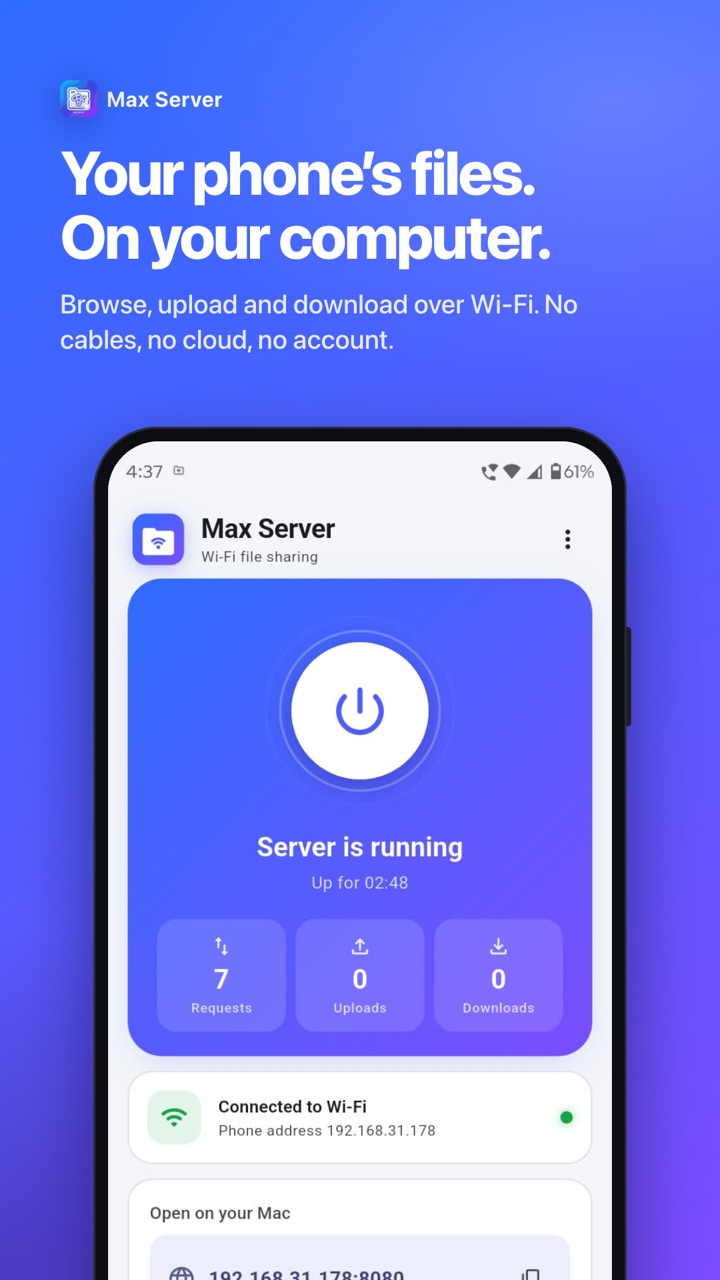
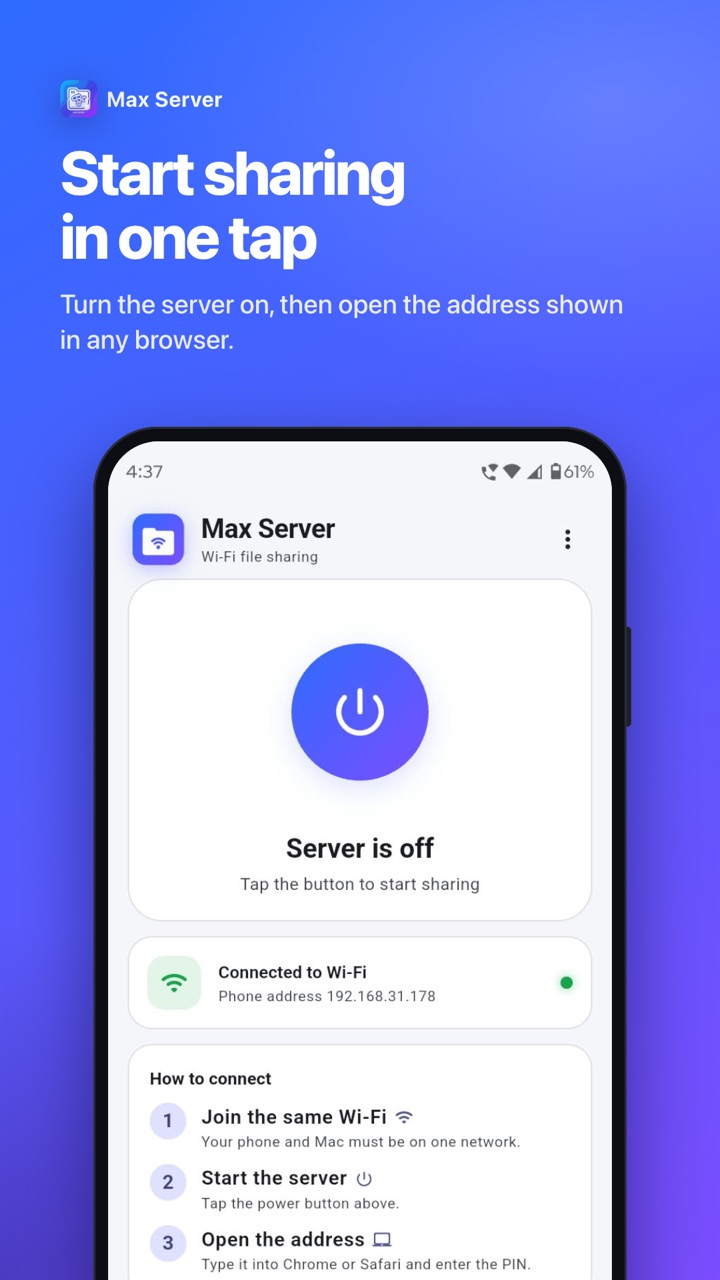
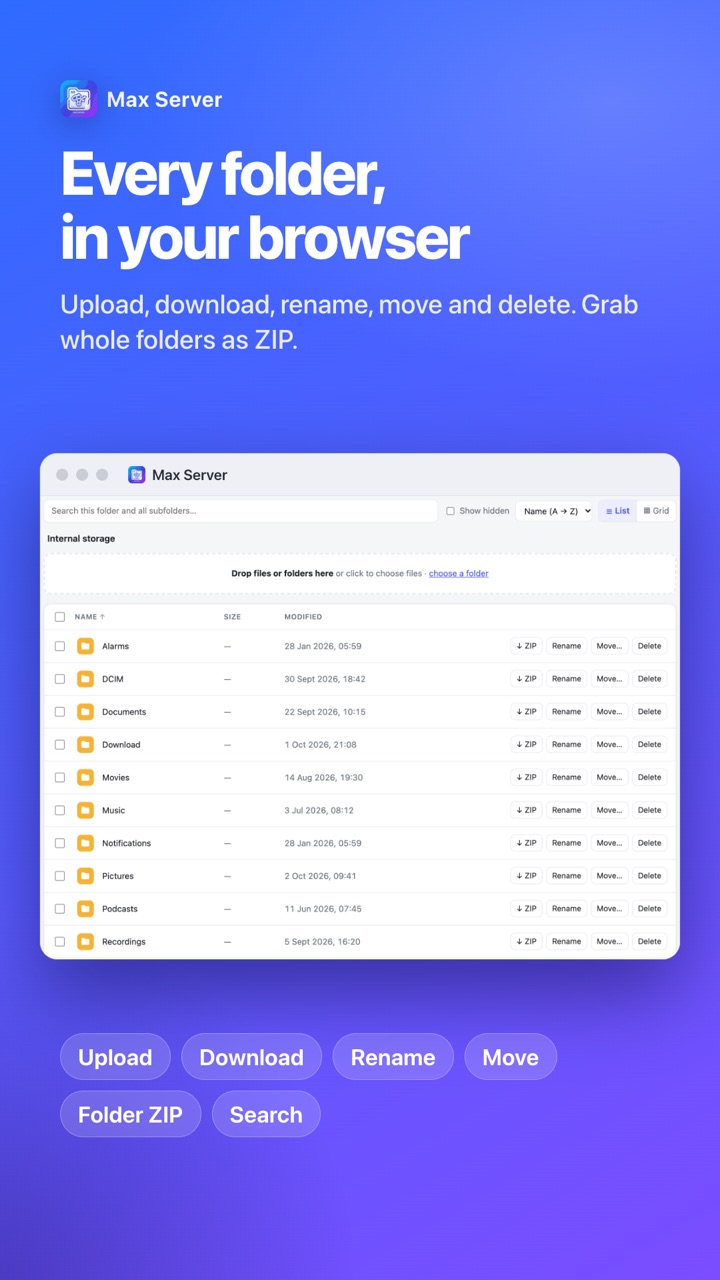
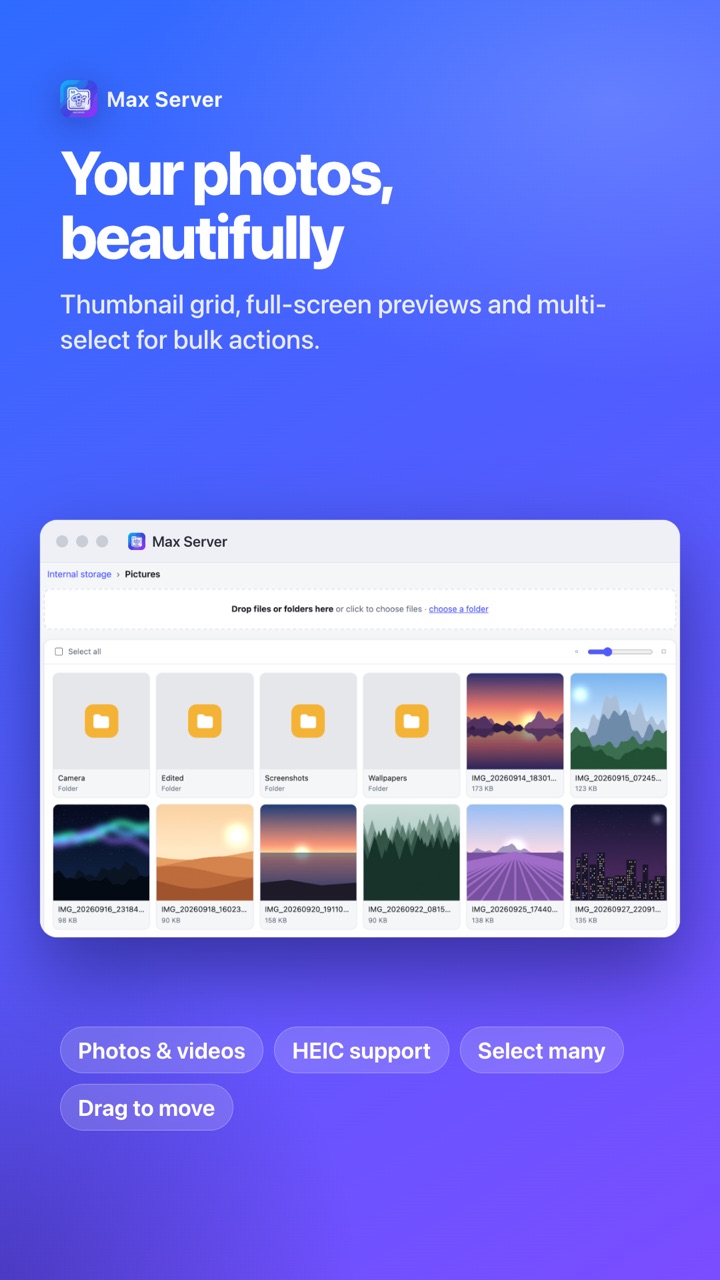
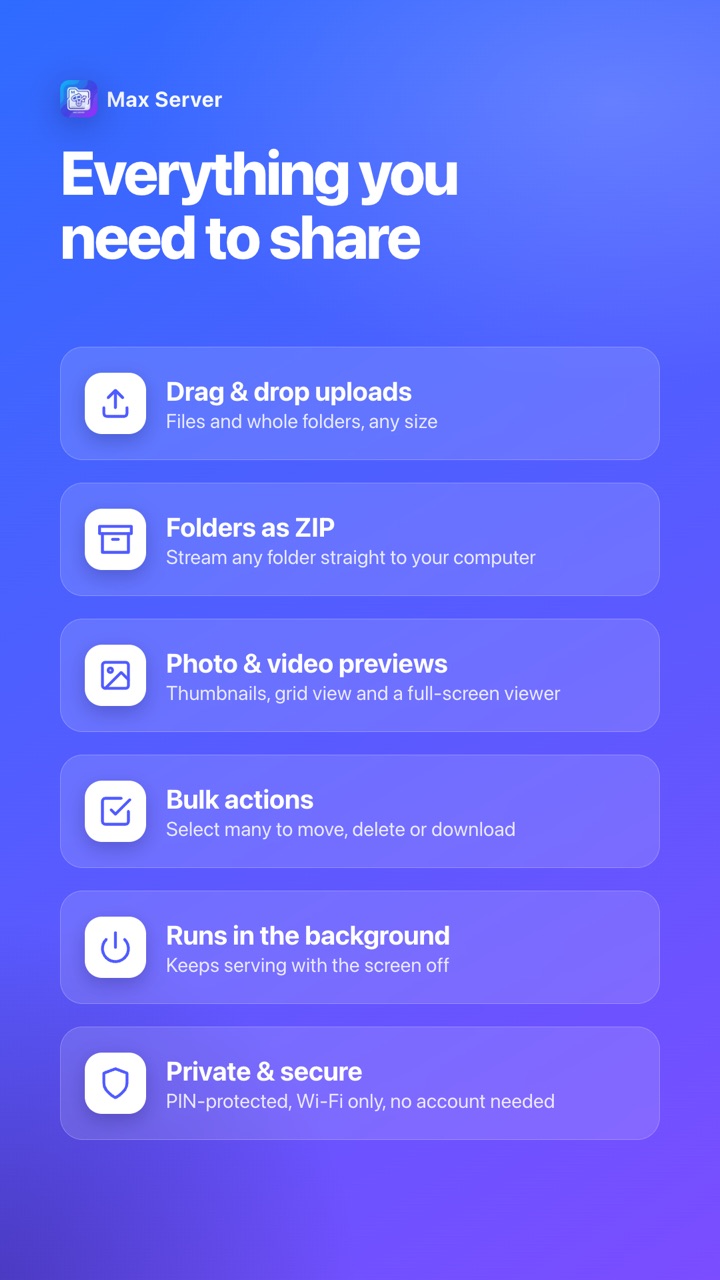
Max Server turns an Android phone into a small HTTP server. Open the address shown in the app on any computer browser, enter the one-time PIN, and browse, upload, download, rename, move or delete files over Wi-Fi.
✨ Key Features
In-app HTTP server
Built with shelf and shelf_router, serving a responsive web file manager directly from the phone.
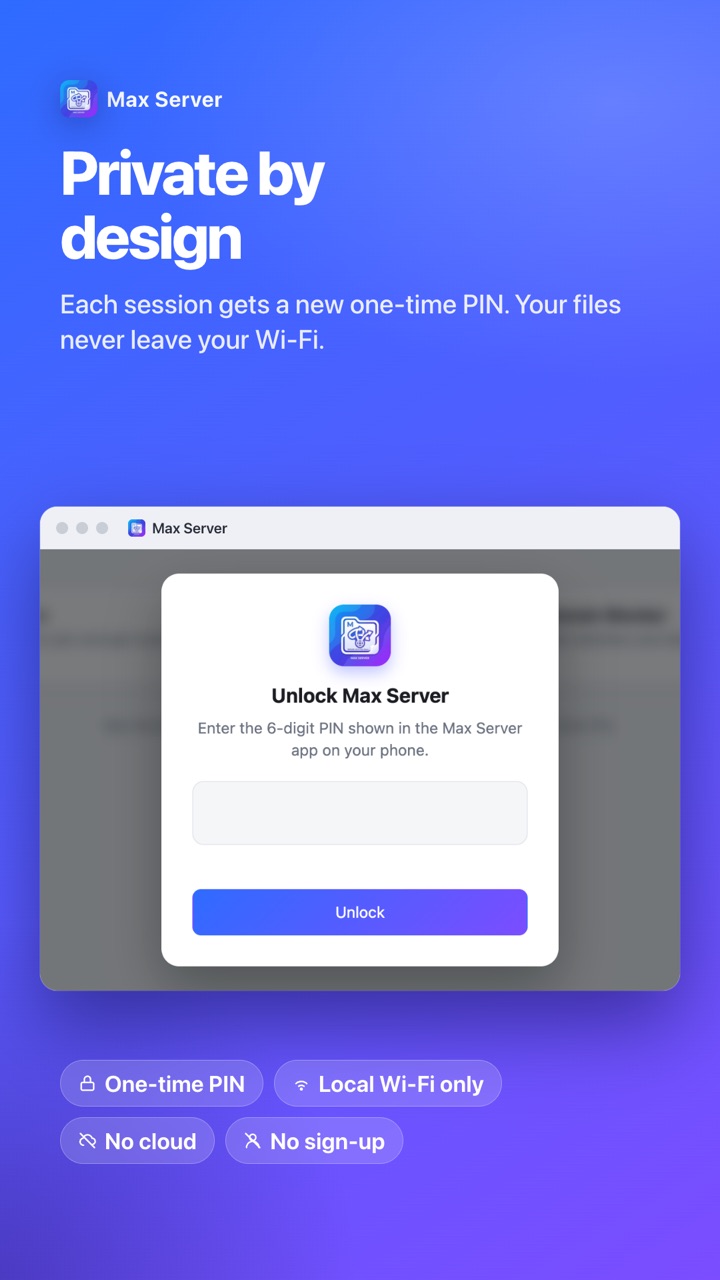
One-time PIN
Each session is protected by a PIN so only you can connect from the computer.
Bulk transfer
Upload and download many files at once, with ZIP download for folders.
Consent-first ads
AdMob with Google UMP consent, R8 shrinking and tested server, ZIP and widget code.
🛠️ Technical Stack
Flutter
shelf
Kotlin
network_info_plus
UMP Consent
AdMob
R8
-
👨💻 Project Details
🔹 Category: Tools / File Transfer
🔹 Package: com.max.server
🔹 Publisher: Balliram App Development
🔹 Role: Design, development and Play Store release
🔹 Status: Live on Google Play